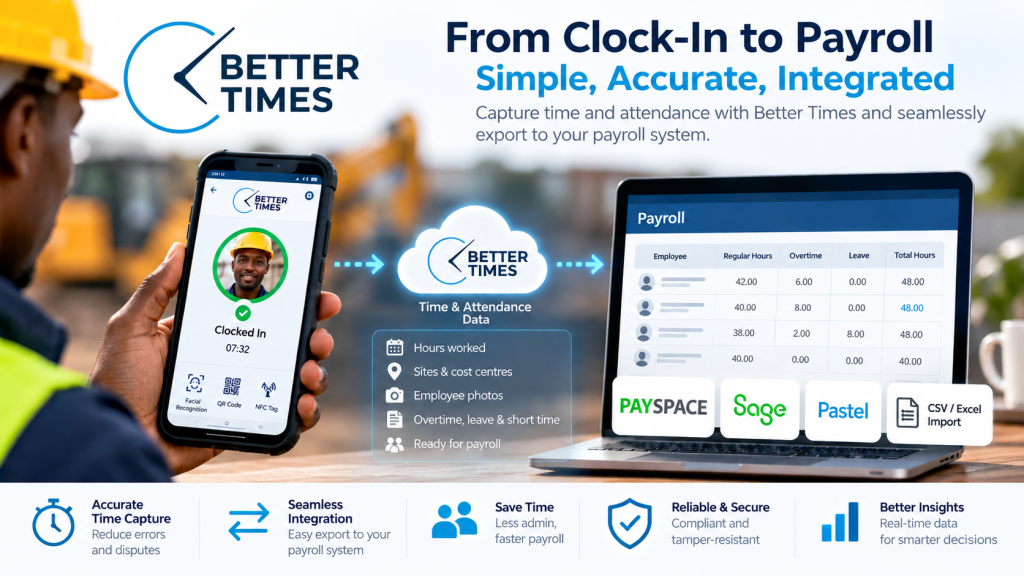
Payroll depends on accurate records of the hours employees work, yet gathering and entering that information manually can create delays and errors. Better Times connects digital time and attendance tracking with payroll workflows, helping businesses move verified working-hour data from the point of clocking towards payroll processing. Understanding how the integration works, what information it supports and how to prepare your systems can help you make payroll more efficient.
Turning Clocking Records into Reliable Payroll Data
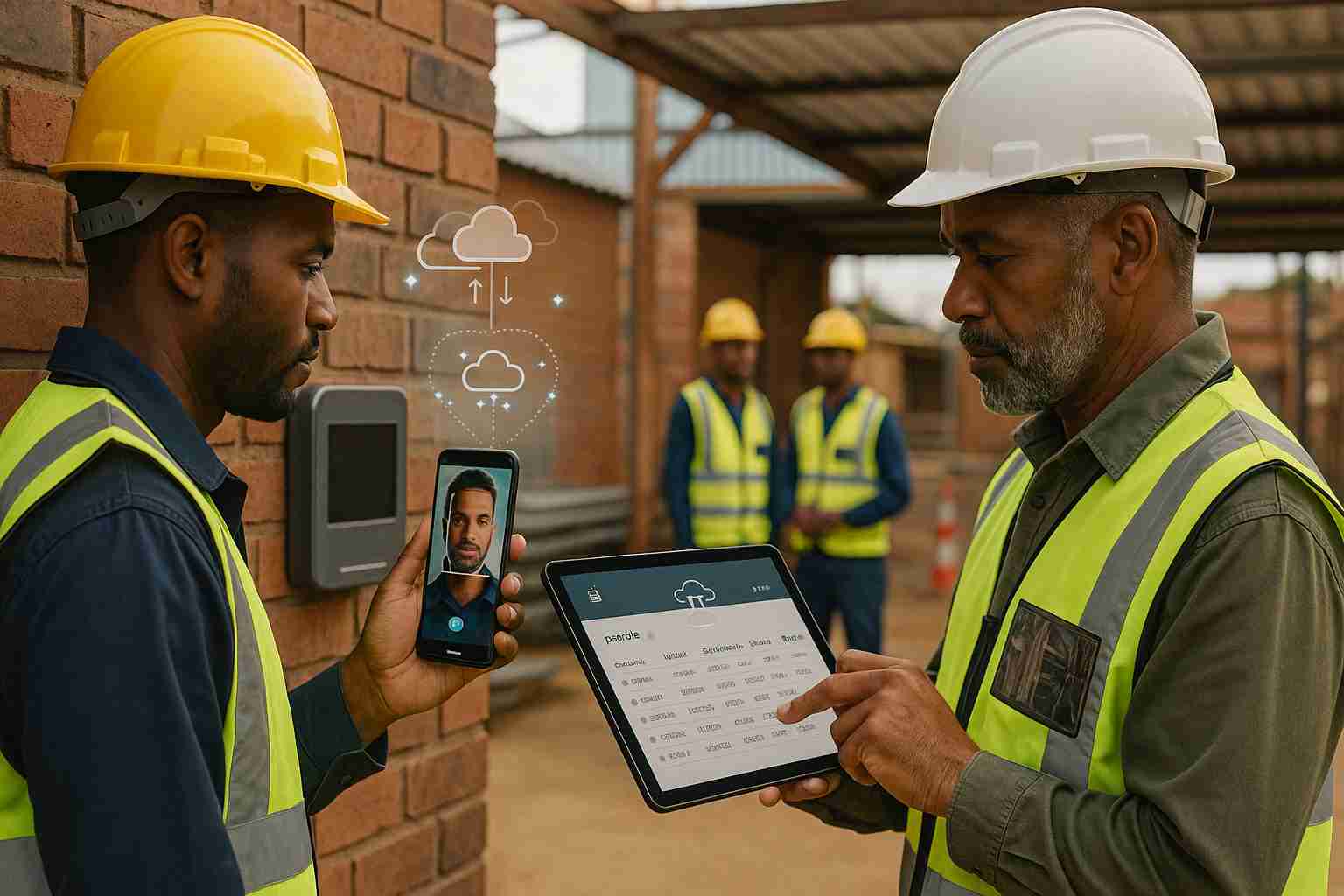
Reliable payroll preparation starts with dependable attendance information captured when work begins and ends. Employees can clock in and out using facial recognition, QR codes or NFC on everyday Android and iOS smartphones or tablets. Dedicated clocking hardware is not required, and one shared device can serve several employees. If a site loses connectivity, the app can store attendance offline and synchronise records with the cloud when connection returns.
Each record can include the employee’s identity, date, time, location and job-site details, creating useful context for review and cost reporting. Managers should check unusual entries, missing clock-outs and other exceptions, then approve records before payroll preparation. This replaces paper registers and manually compiled timesheets with a more consistent digital source of working-hour data. Attendance records support pay calculations, but do not determine every pay item. See how digital records compare with manual timesheets.
How Attendance Information Moves into Payroll
Once attendance records are reviewed and approved, businesses can prepare the information for their payroll or HR platform. This may involve a configured export, agreed data connection or field mapping, depending on the systems and the organisation’s setup. The aim is to reduce repetitive data capture, not bypass payroll checks. Employee identifiers and pay periods must match, while ordinary hours, overtime, shifts, leave and cost centres need clear destinations in the receiving system. Before processing, teams should test mappings, confirm pay rules and resolve exceptions such as missing clockings or unusual hours. A careful handover helps prevent transcription errors, but attendance data does not determine every pay item. Payroll teams remain responsible for validating calculations, applying relevant rules and checking compliance. See how attendance data can be prepared for payroll.
Improving Accuracy and Controlling Labour Costs
Once attendance information is ready for payroll review, dependable records can reduce administration and strengthen labour-cost control. Digital verification limits transcription mistakes, inconsistent timesheets, buddy punching and overstated hours. It does not remove the need for clear procedures, supervisor oversight or employee queries to be resolved.
Before payroll is finalised, managers should check normal hours, overtime, short time, absenteeism, shifts and leave against schedules and approved exceptions. Assigning hours to the right site, project, department or cost centre helps reveal where labour is being used. Managers can investigate unusual totals, repeated overtime or unexpected absences before costs are approved.
Timely reports support fairer, more transparent payroll preparation and practical decisions across multiple locations. They also provide useful operational oversight. See how accurate timekeeping data supports payroll.
Preparing Your Business for a Smoother Payroll Workflow
Before adoption, review your current payroll process and identify where attendance data must be checked or transferred. Confirm that employee identifiers match across systems, and agree on pay-period dates. Decide how overtime, shifts, leave and cost centres should be represented. Then test the data flow using a sample period, checking records and exceptions before relying on it for payroll. This preparation helps teams confirm that the setup reflects their procedures. For practical integration guidance, see how attendance data can connect with payroll systems.
Better Times can support small teams and larger, multi-site operations. Staff can use standard mobile devices, with offline clocking and facial recognition, QR or NFC options. Cloud reporting helps managers review information across locations. Its design is POPIA-conscious, and pricing is pay-as-you-use, with no long-term contracts and a free trial.
Visit Better Times – Smart Time and Attendance Software with Facial Recognition in South Africa to explore a practical way to manage attendance, payroll information and labour costs.
Final words
Payroll integration starts with accurate, well-organised attendance records and continues through careful data mapping, review and validation. Better Times helps businesses replace manual timesheets with digital records that can support payroll workflows, reporting and labour-cost oversight across sites. The right setup can reduce avoidable administration while keeping managers responsible for checking hours, rules and exceptions before payroll is processed.